
Needs an Embla
Sign in with the Emberbuddy account your Embla uses. No Embla nearby? Everything works the same in your browser: My Emblas.
Desktop app
The same chats, files, schedules and connections as on your Embla’s own screen, in a window of its own. It keeps itself up to date.
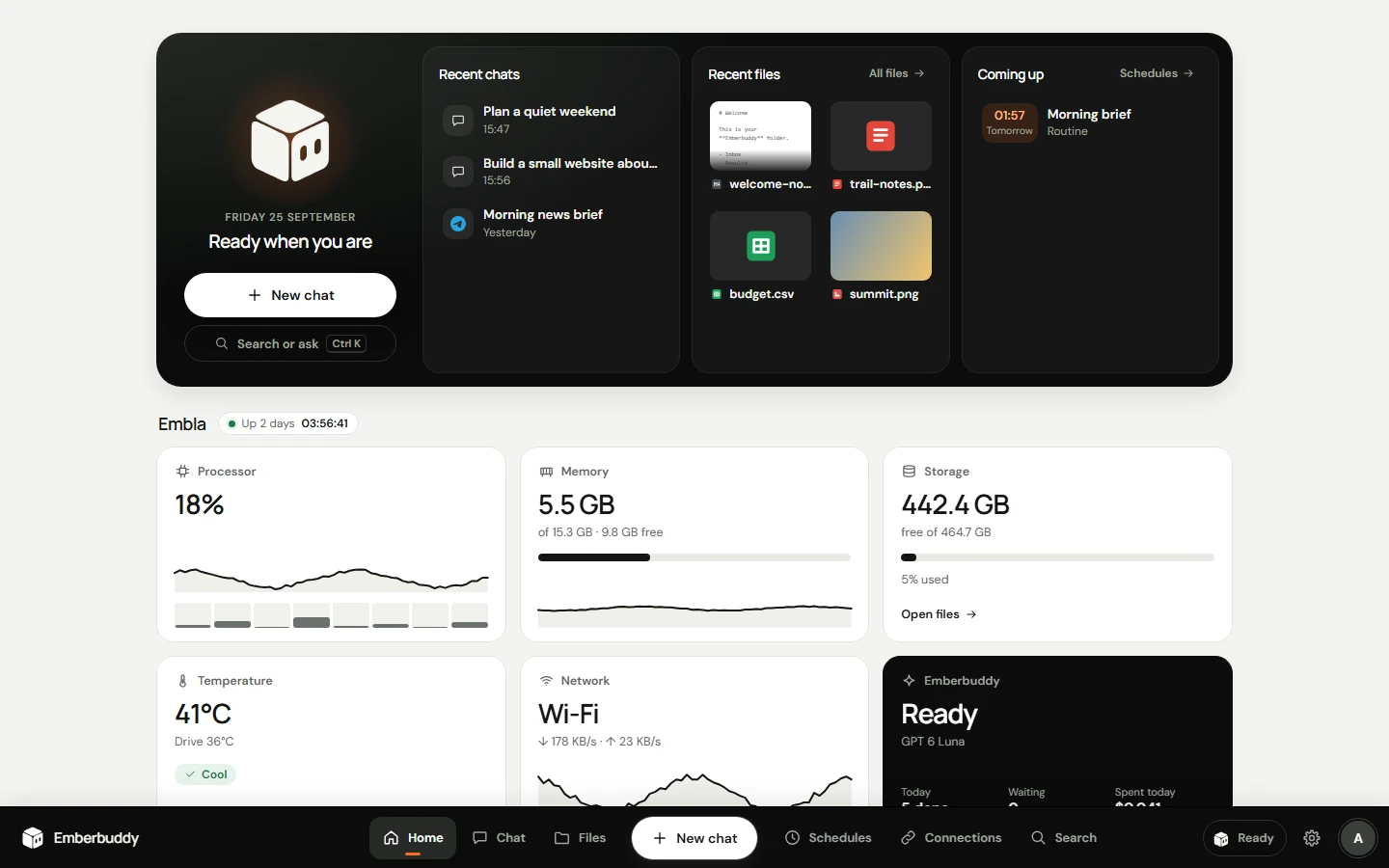
Sign in with the Emberbuddy account your Embla uses. No Embla nearby? Everything works the same in your browser: My Emblas.
New versions download in the background and install when you restart the app. Each one is signed and checked first.
During development the app isn’t registered with Microsoft or Apple yet. On Windows, choose More info › Run anyway. On a Mac, open it once, then choose System Settings › Privacy & Security › Open Anyway.